Ziman AI
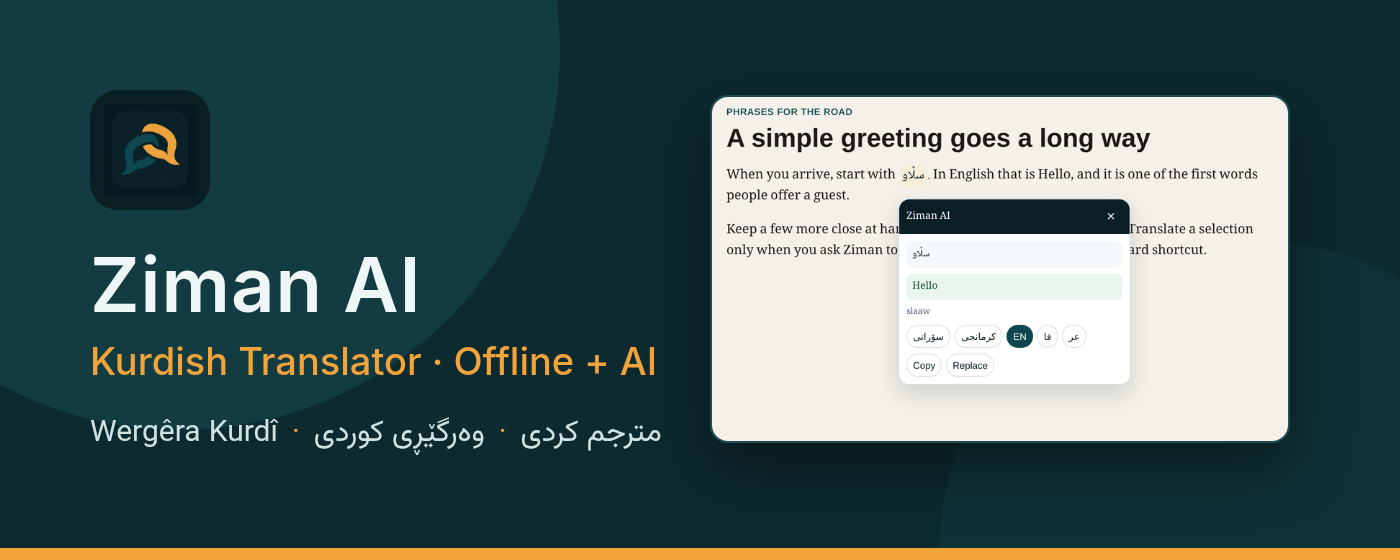
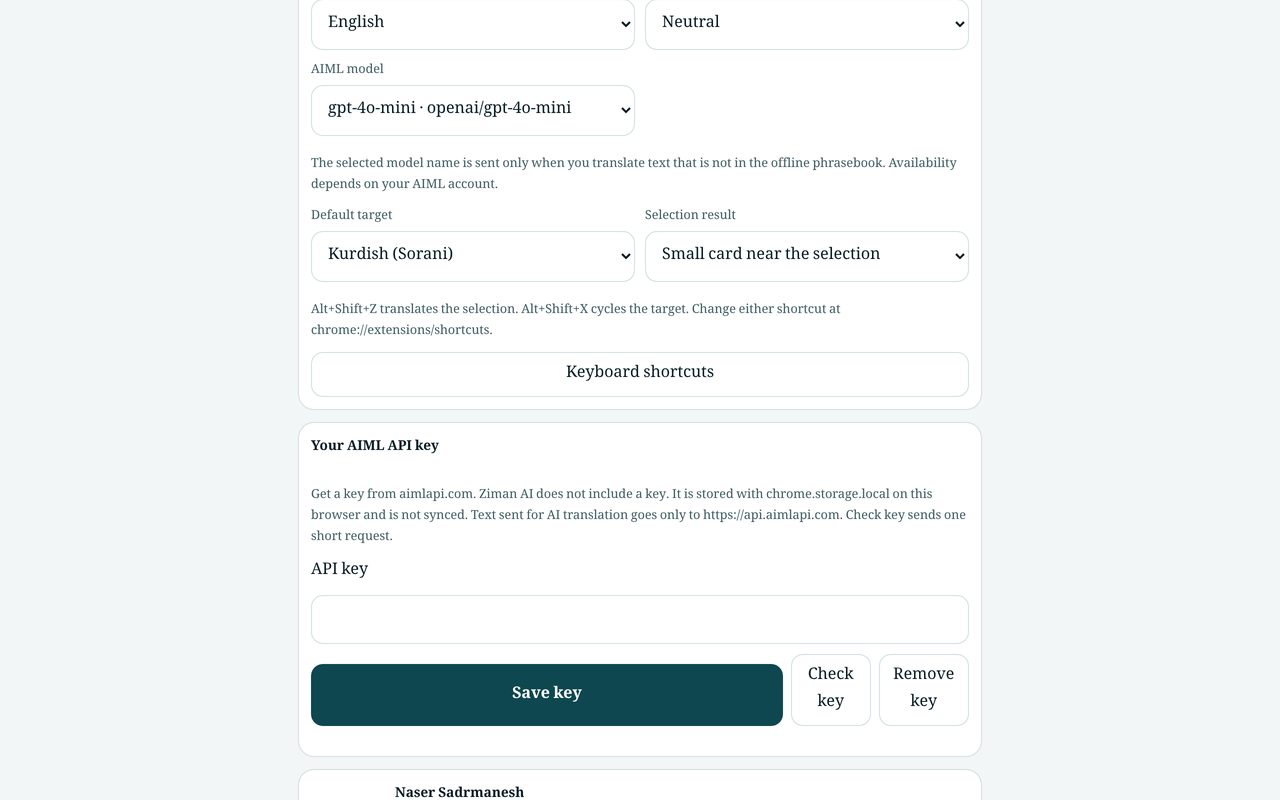
A Kurdish (Sorani and Kurmanji) and multilingual translator for Google Chrome. Common phrases are answered from an offline phrasebook on this device. Other sentences use your own AIML API key. The extension does not include a key, and it does not open when you merely click or select text.
Install from Chrome Web Store Get started GitHub
Highlights
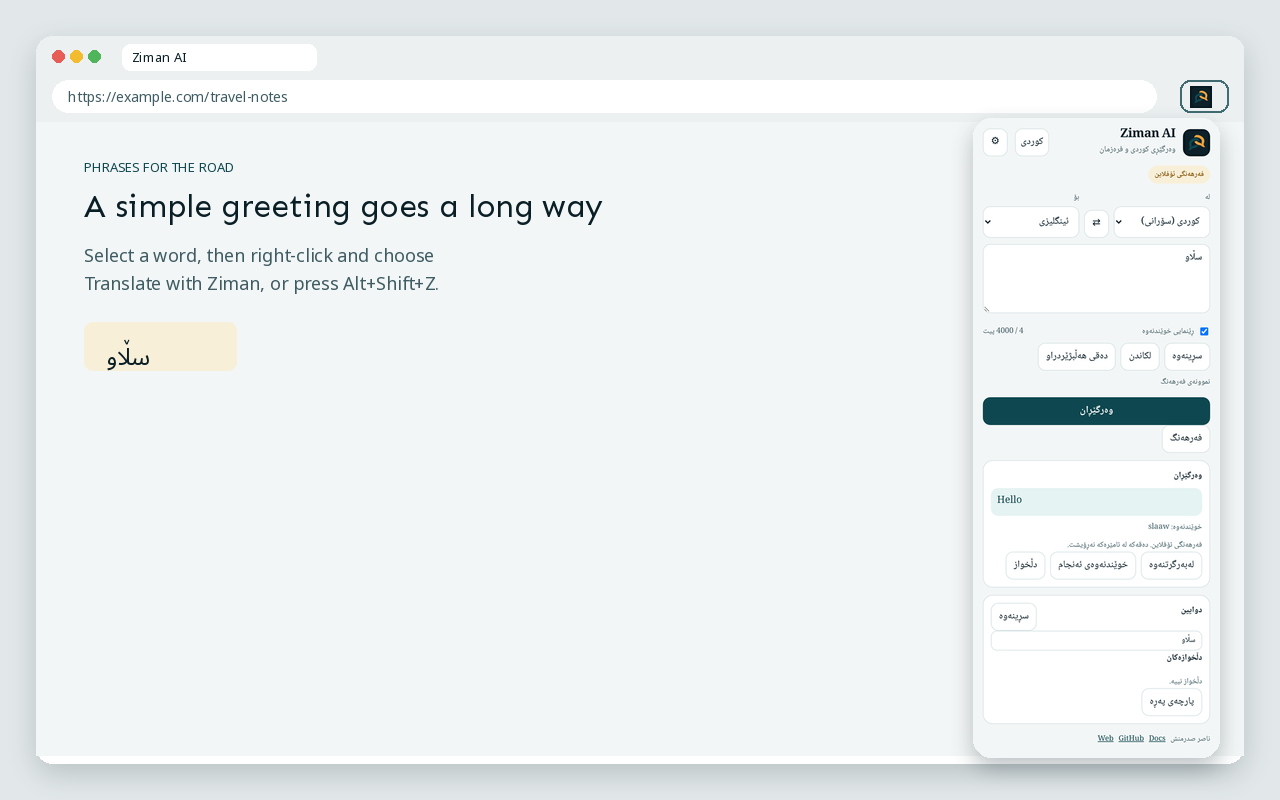
- Explicit only. Right-click selected text and choose Translate with Ziman, or press
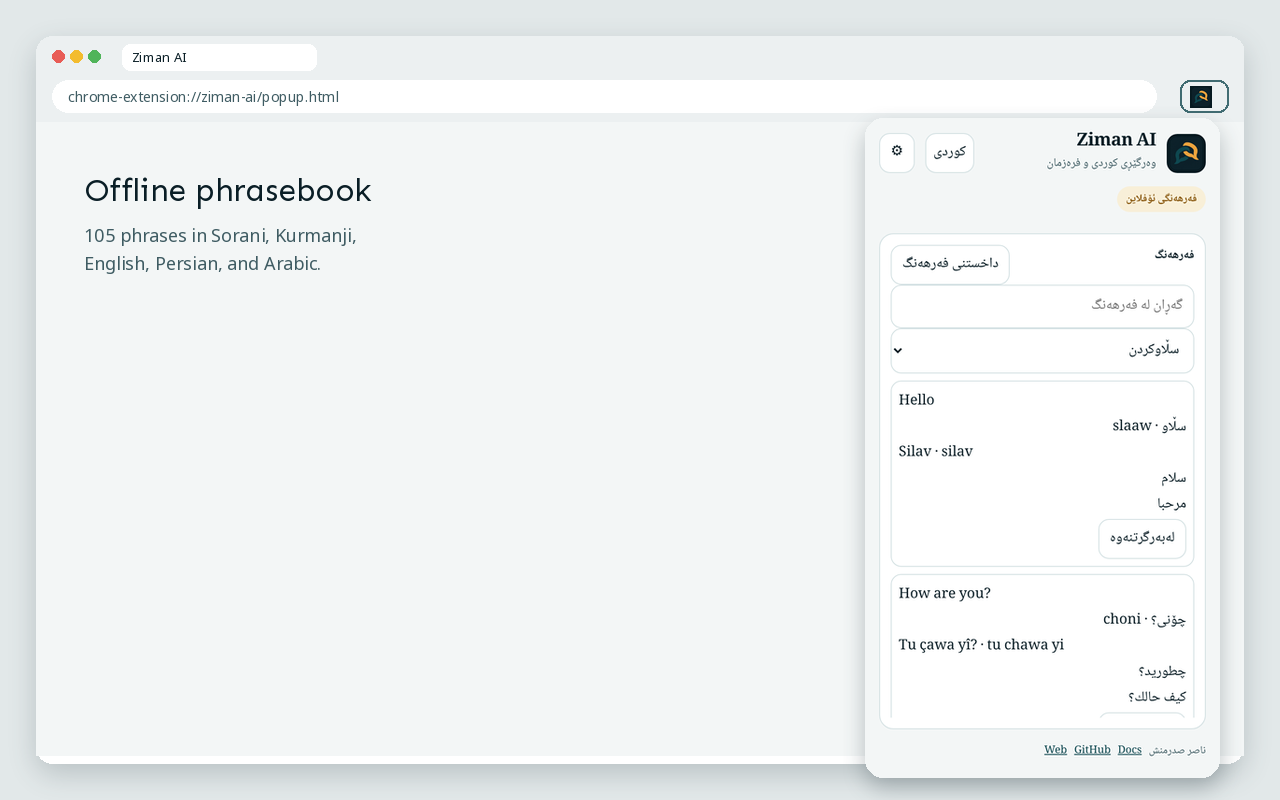
Alt+Shift+Z.Alt+Shift+Xcycles the target language. Nothing runs on a bare click or selection. - Offline phrasebook. 105 phrases in five languages (Sorani, Kurmanji, English, Persian, Arabic) and nine categories, with letter normalization, a “did you mean” suggestion, and a labeled word-by-word fallback.
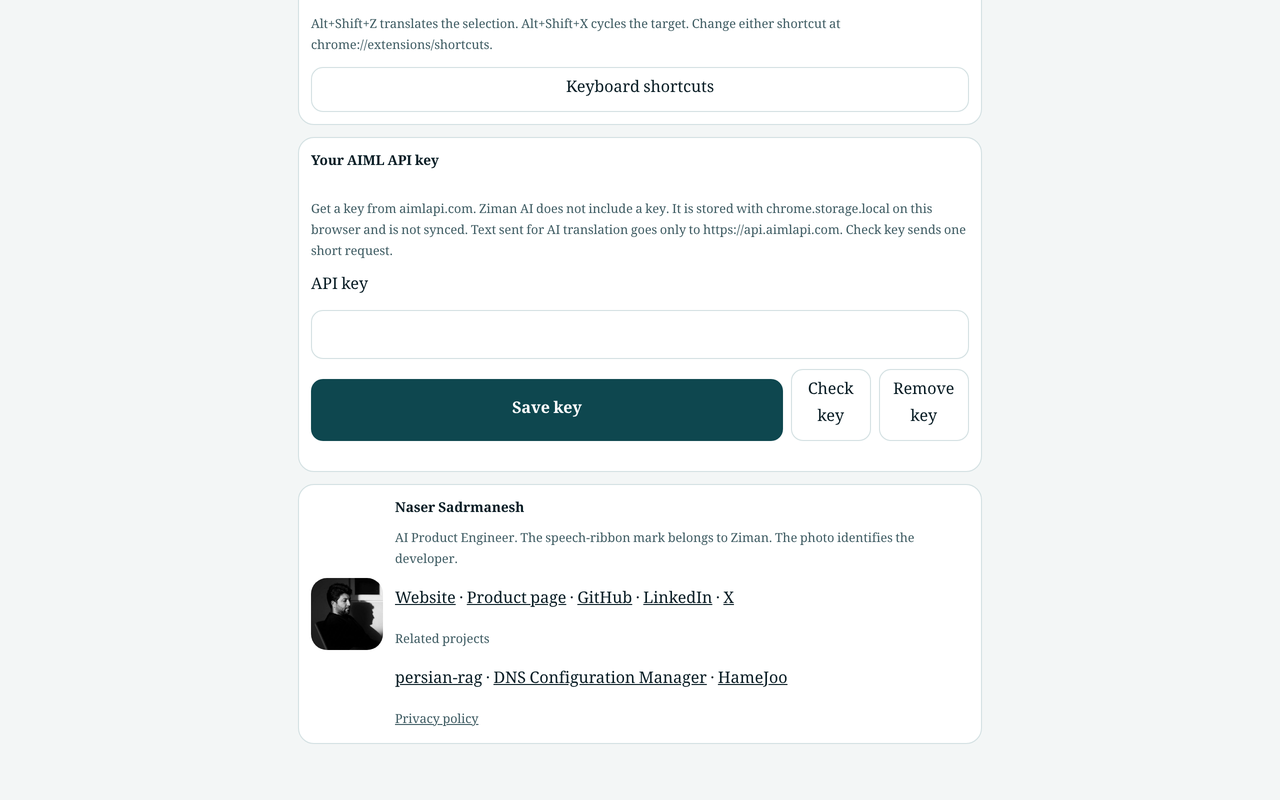
- Optional AI translation. Save your own AIML key in Settings. The key stays in
chrome.storage.local. Text is sent tohttps://api.aimlapi.comonly when you ask for a translation that is not in the phrasebook. - Clear errors. An invalid key, an empty AIML balance, a rate limit, a timeout, and a network failure each have their own message. An empty balance includes a link to AIML billing.
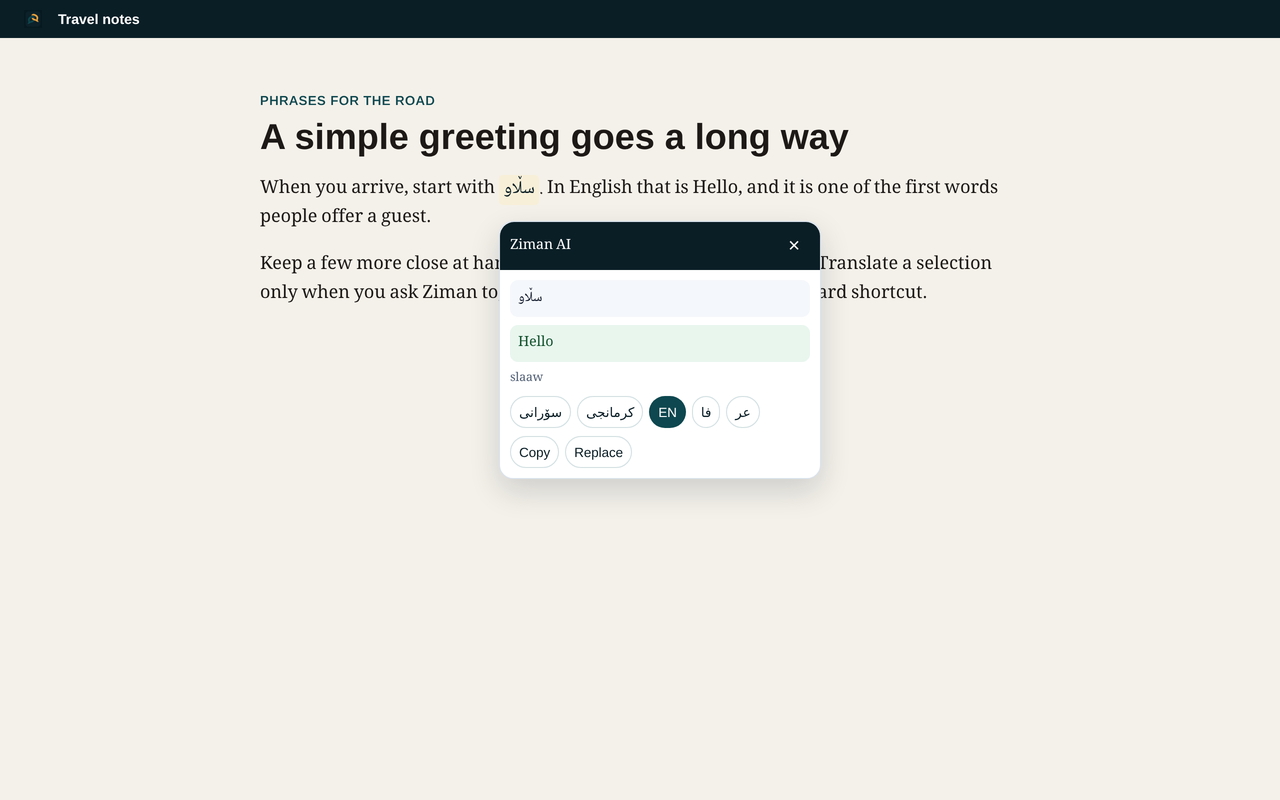
- A small result card. The translation appears beside the selection and closes with Escape, a click outside, or a page scroll. Settings can open the popup instead.
- Local history and favorites. Recent translations and saved phrases stay on this browser until you clear them.
- Narrow permissions.
activeTab,storage,contextMenus,scripting, and the hosthttps://api.aimlapi.com/*.
Screenshots
Languages: کوردی سۆرانی · Kurdî Kurmancî · فارسی
Install
To work on a local copy, clone sadrmanesh/ziman-ai or download a release zip, open chrome://extensions/, turn on Developer mode, and choose Load unpacked. Select the folder that contains manifest.json. Full steps are in Getting started.
Explore
-
Getting started
Install from source, try the phrasebook, and optionally add an AIML key.
-
Shortcuts and context menu
Right-click translation,
Alt+Shift+Z,Alt+Shift+X, and the result card. -
Offline phrasebook
Languages, categories, normalization, suggestions, and word-by-word fallback.
-
AI translation
How to add an AIML key, what is sent, costs, and error messages.
-
Privacy
What stays on the device, and when selected text leaves the browser.
Related work
Ziman is part of Naser Sadrmanesh’s open-source work on language tools and Chrome extensions.
- Phrase matching uses Arabic, Persian, and Kurdish letter-folding rules adapted from persian-rag, a Persian-first RAG toolkit.
- Phrasebook lookup quality is measured with a small precision-and-recall script, in the spirit of llm-search-eval.
- Other Chrome extensions: DNS Configuration Manager and HameJoo.
License
MIT. Copyright (c) 2025 Naser Sadrmanesh.